Workday
Connect Workday to SafetyCulture to easily import and manage users. When employees join or leave Workday, SafetyCulture updates automatically.
Features
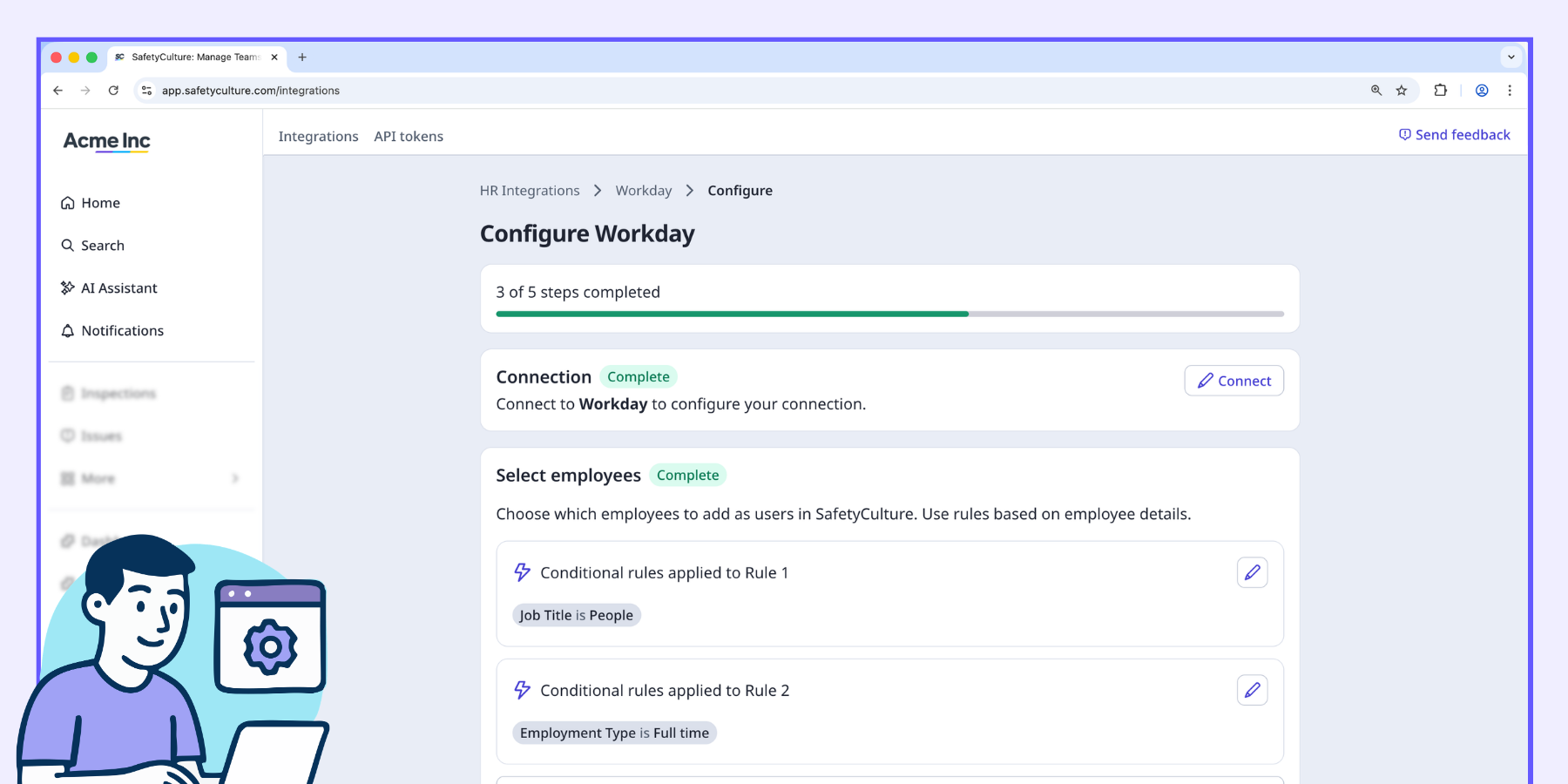
Add filter rules
Set up to five rules with multiple conditions to control exactly who is imported. Filter by department, location, employment type, and more. Employees who don't match your rules are not imported.
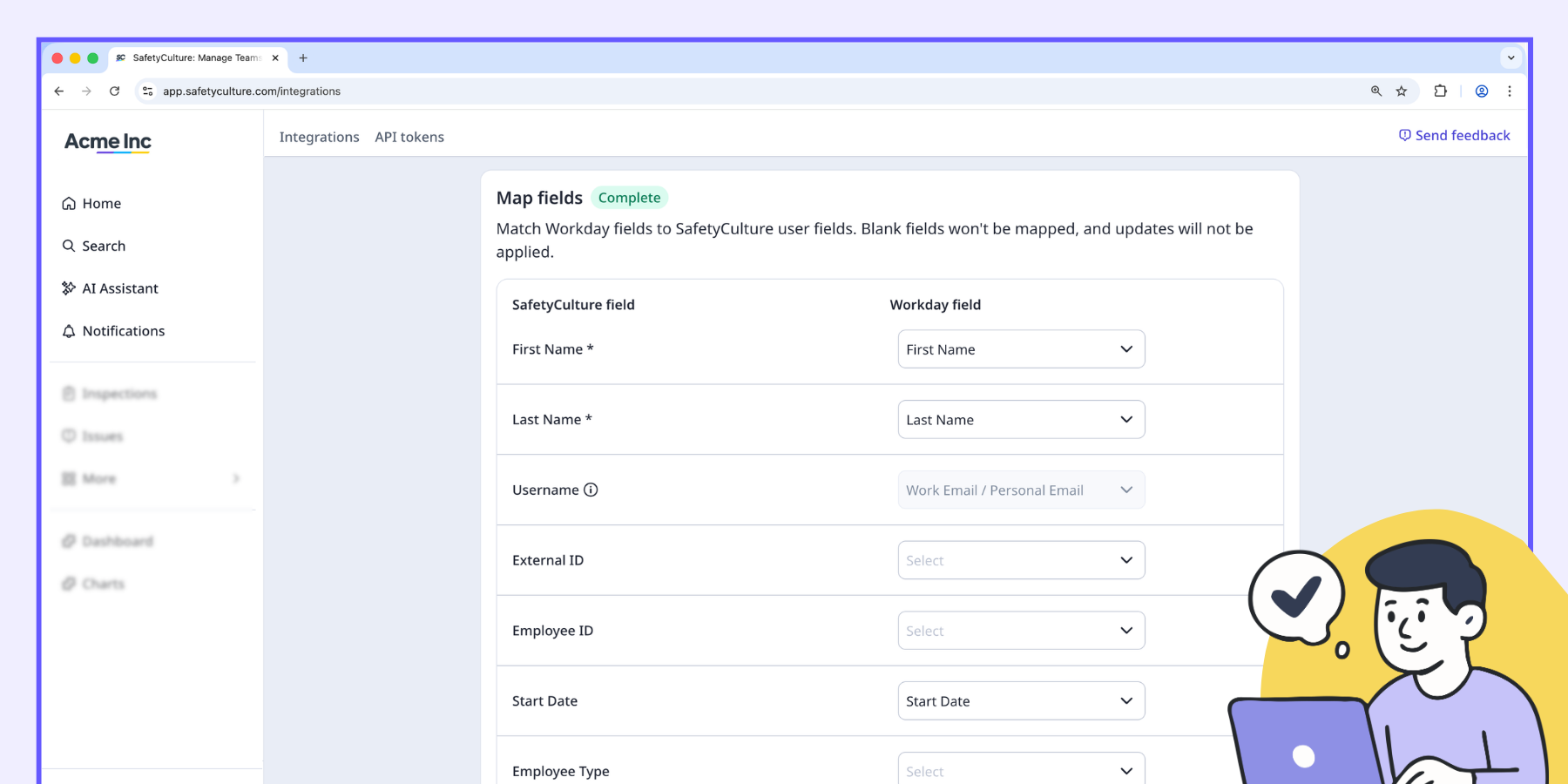
Map user fields
Choose which Workday fields map to SafetyCulture user fields. Mapped fields are updated by sync.
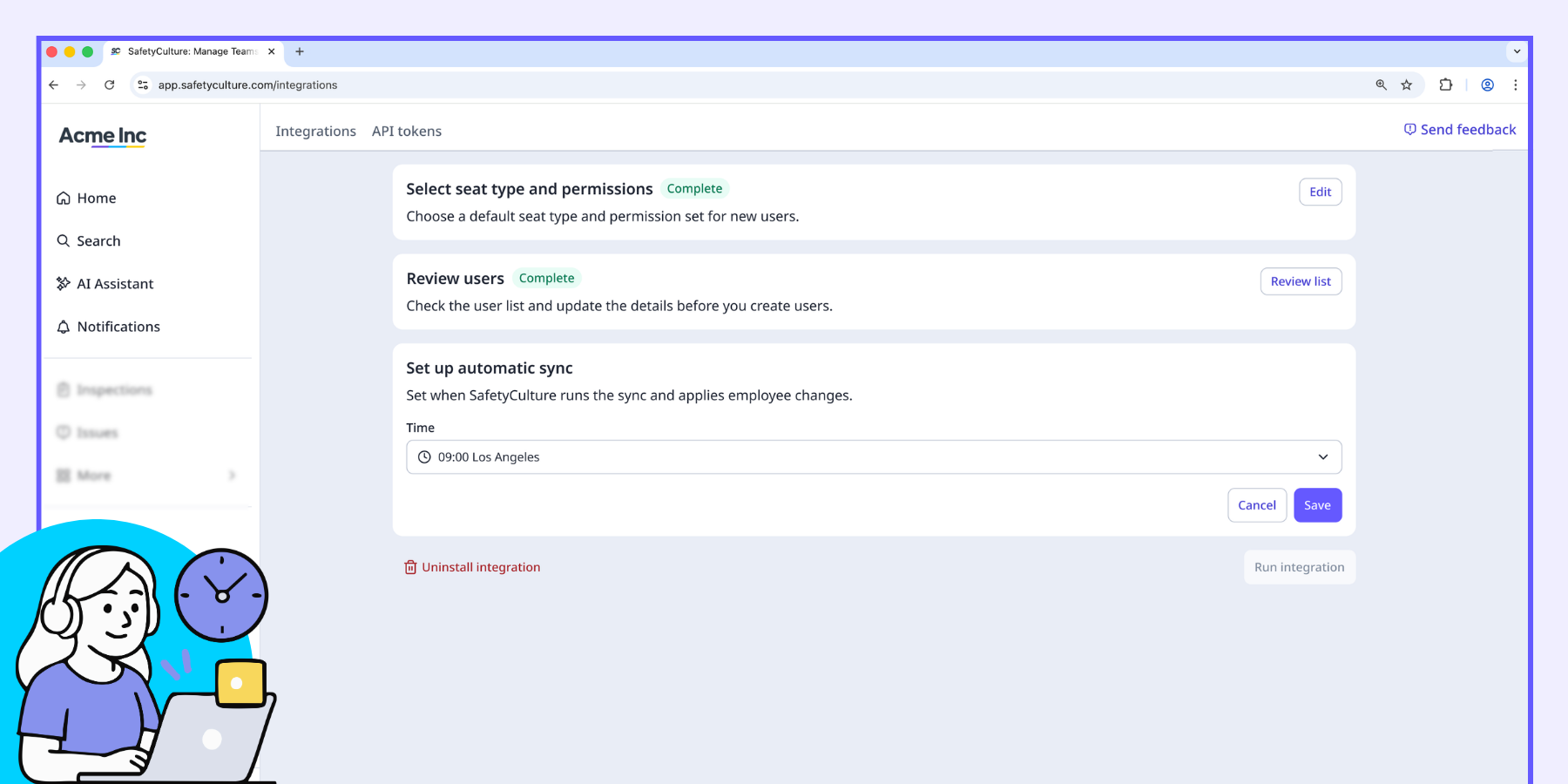
Schedule sync
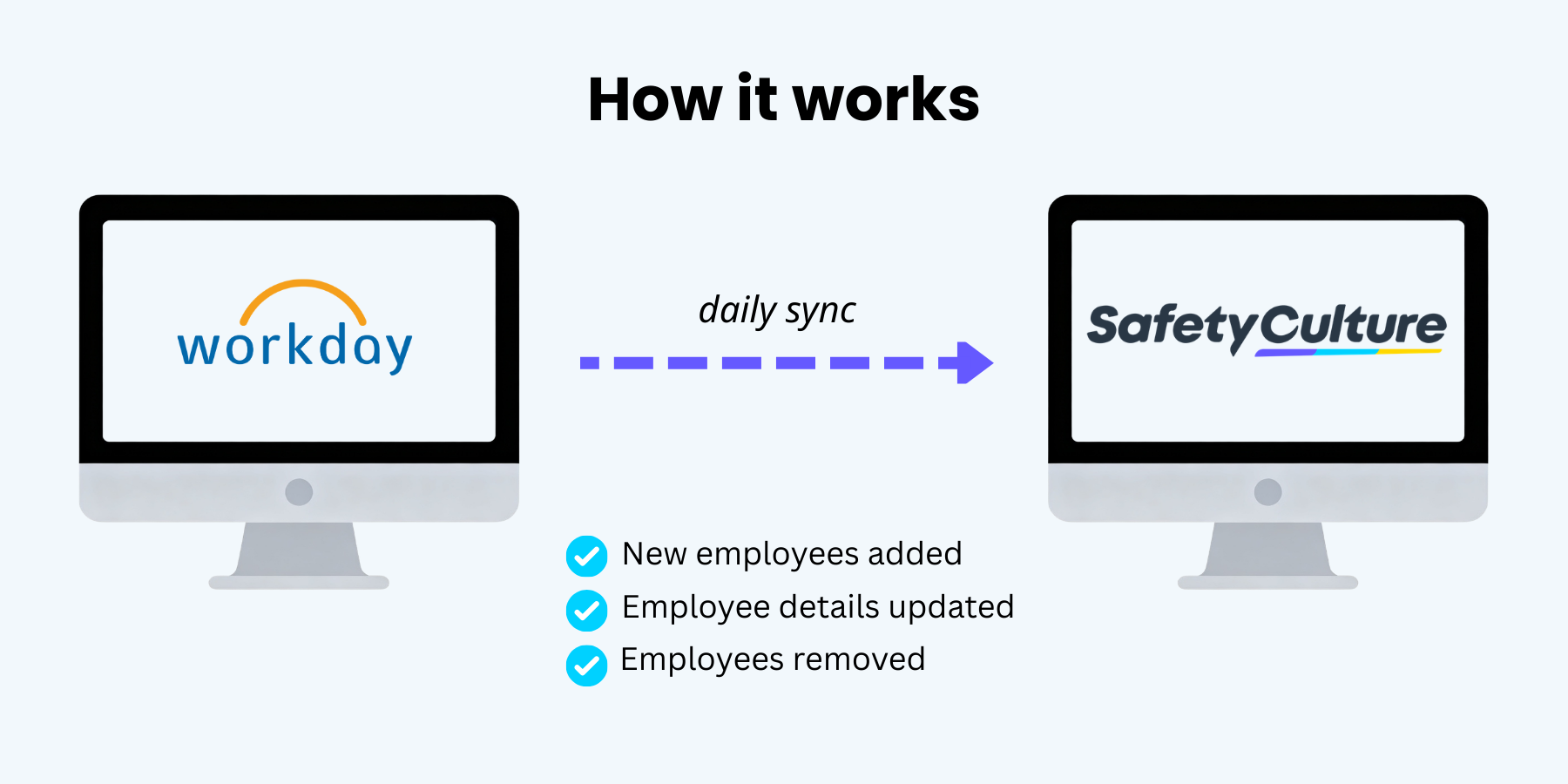
Sync runs automatically on a daily schedule. Each run checks for new employees, updated details, and status changes in Workday.
Description
⚠️ Eligibility: This integration requires a minimum of 100 full or lite seats in your SafetyCulture plan. To check your seat count, manage your users on the web app.
Keep your SafetyCulture user list in sync with Workday. This integration automatically imports employee data based on the rules you set, so you spend less time managing users manually and more time on the work that matters.
Keep your SafetyCulture user list in sync with Workday. This integration automatically imports employee data based on the rules you set, so you spend less time managing users manually and more time on the work that matters.
- Only import what you need. The integration works with a defined set of fields, and you choose which ones to map. Unmapped fields are never imported.
- Use filter rules to control which employees are imported by department, location, employment type, and more.
- New employees who match your rules are added to SafetyCulture.When an employee is no longer active in Workday, their SafetyCulture access is deactivated automatically.
- Set a default seat type and permission set for all users imported through this integration.
- Each sync run is logged. Failed imports include error details so you can resolve issues quickly.
Workday is your source of truth. When you update employee information there, SafetyCulture reflects the change on the next sync.
Requirements
✔️ SafetyCulture Premium Plan or Enterprise Plan
✔️ Minimum of 100 full or lite seats
✔️ Web app
✔️ "Platform management: Organization" permission
✔️ Workday account
Media
FAQ
When mapped fields differ, SafetyCulture updates to match Workday on the next sync. To correct employee information, make the change in Workday.
SafetyCulture automatically purchases additional seats when your organization reaches its seat limit during user provisioning. We'll send a summary email for the purchased seats to your billing admin, and your next invoice will include a prorated charge for the seats from the date of purchase.
SafetyCulture keeps that user active. Filter rule changes don't remove or deactivate existing users automatically. This protects against accidental loss of access. However, you can deactivate them manually in the SafetyCulture web app.