
Samsara
Sync Samsara vehicles into SafetyCulture as assets and track location, runtime, and odometer.
Description
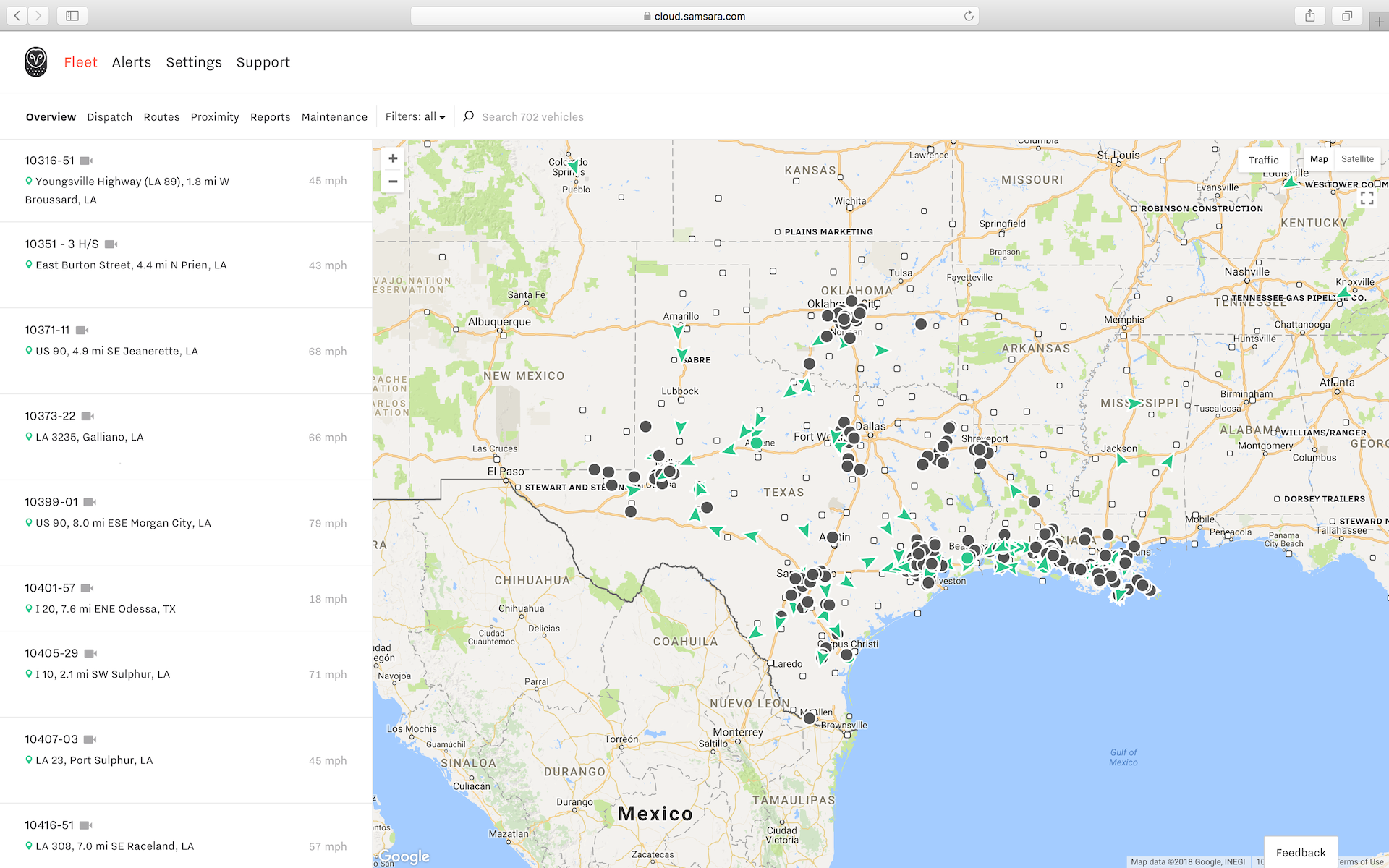
Automatically create Samsara vehicles as assets in SafetyCulture. View GPS location, engine runtime, and odometer readings, and keep vehicle details up to date as changes in Samsara sync to SafetyCulture.
How syncing works
- This integration syncs one way from Samsara to SafetyCulture, about every 4 hours.
- If you archive an asset, it remains archived and no longer receives updates. If you delete an asset, SafetyCulture recreates it at the next sync.
- This integration syncs vehicles only. It does not support trailers or equipment. Imported data stays in SafetyCulture.
Create assets
Each Samsara vehicle becomes an asset in SafetyCulture. SafetyCulture groups these assets into an asset type called Samsara vehicle and adds Samsara vehicle details as custom fields.
Merge with existing assets
If an asset in SafetyCulture has a unique ID that matches the Samsara vehicle name, SafetyCulture updates the existing asset instead of creating a duplicate. SafetyCulture also updates the asset type with the custom fields required for the integration.
Media
FAQ
Update each asset’s Unique ID to match the Samsara Vehicle Name before you install the integration. This helps SafetyCulture update existing assets instead of creating duplicates.
Please ensure you update your existing assets before installing the integration to prevent duplicates from being created.
Open an asset profile to view GPS location, engine runtime, and odometer readings. You can click on a relevant reading to view historical readings, including those pre-dating the installation of your integration, and export them to CSV.